Timeboxing Examples: 6 Real Days and How to Timebox Your Own
Six timeboxing examples from real kinds of days, from a developer to a parent, plus a five-step method to timebox your own day and what to do when a box runs out.
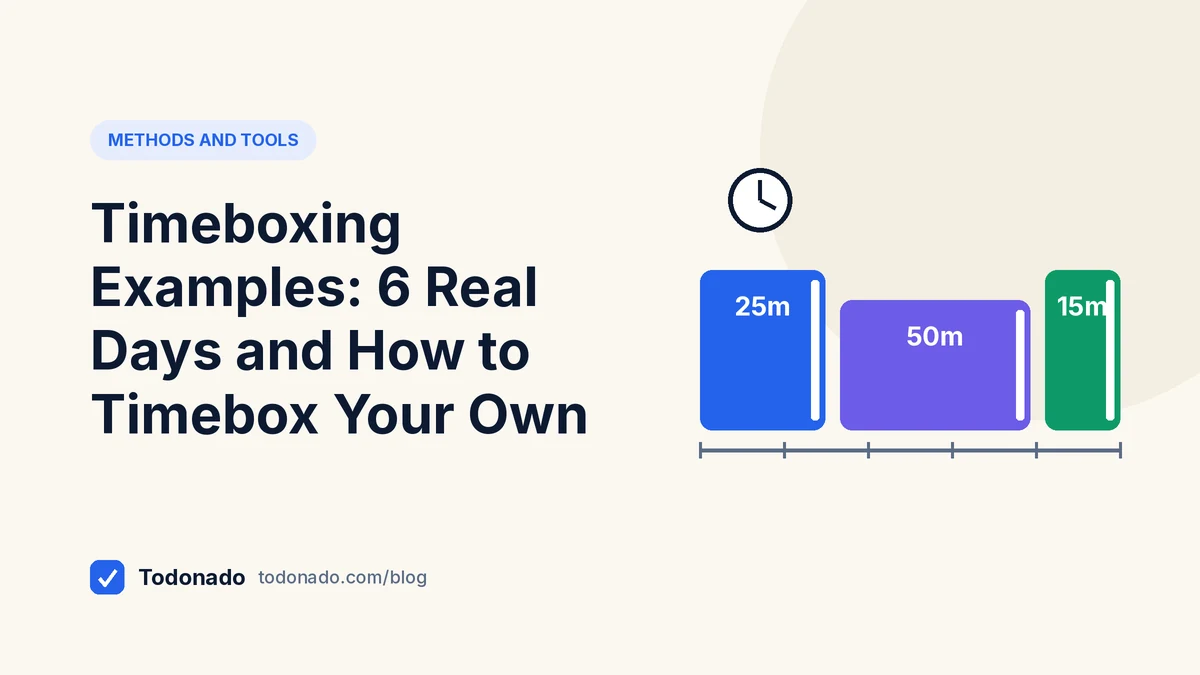
Timeboxing means giving a task a fixed amount of time, deciding in advance what you will do when the time runs out, and stopping when it does. To timebox your day, list three to six tasks, give each a box such as 25, 45 or 90 minutes, set a timer for each, and when a timer ends, choose one of three things: stop, extend once, or move the rest to another day. The examples below show what that looks like for six different kinds of days.
If you are still deciding between the two methods, our guide to timeboxing vs time blocking explains the difference. In short, time blocking reserves a slot on the calendar for a kind of work. Timeboxing caps how long one task is allowed to take. This article is all about the second.
How to timebox your day in five steps
- Pick the tasks. Three to six is plenty. More than that and the boxes stop fitting.
- Give each a box. Use a few standard sizes, such as 15, 25, 45, 60 or 90 minutes. Standard sizes are faster to choose than exact guesses.
- Write the outcome for each box. "Draft the intro" is a box goal. "Work on the report" is not.
- Set a timer and start. A phone timer, a kitchen timer or a focus app all work.
- Decide at the end of the box. This is the step most people skip, and it is the one that makes timeboxing work.
The end-of-box rule
When a box runs out, choose one:
| Option | When to use it | What you do |
|---|---|---|
| Stop | The work is good enough | Mark it done or ship it |
| Extend once | You are close, and nothing else is waiting | Add one more box, then stop for sure |
| Move | It needs more than one more box | Write the next step and put it on another day |
This is what happens when a timebox ends without a rule: the task keeps going, and the next one gets squeezed. The rule stops a 45-minute task from quietly taking all afternoon. You are allowed to go over. You are not allowed to go over without deciding to.
Timeboxing examples from six different days
1. A software developer
| Box | Task | Outcome |
|---|---|---|
| 90 min | Build the export feature | First working version, tests can wait |
| 25 min | Code review for a teammate | Comments posted |
| 45 min | Fix the login bug | Cause found, or a note on what was ruled out |
| 15 min | Reply to messages | Inbox clear |
The developer uses "extend once" on the bug if the cause is close. If not, they write down what they ruled out and move it. A bug can eat a whole day, so the box is a guard.
2. A university student
| Box | Task | Outcome |
|---|---|---|
| 50 min | Essay: first two paragraphs | Rough draft, not polished |
| 25 min | Flashcards for biology | One deck done |
| 25 min | Reading for seminar | One chapter, notes in the margin |
Shorter boxes work well for study. Many students like 25 or 50 minutes with a short break between, which is close to the Pomodoro technique.
3. A parent working from home
| Box | Task | Outcome |
|---|---|---|
| 60 min | Client proposal (during nap time) | Draft sent for review |
| 15 min | School forms | Signed and in the bag |
| 30 min | Calls | Three calls made |
Here the boxes are set by the day's real gaps, not by an ideal schedule. The proposal box is 60 minutes because nap time is about 60 minutes. When the box ends, the work stops, ready or not.
4. A writer
| Box | Task | Outcome |
|---|---|---|
| 90 min | New chapter | 1,000 words, any quality |
| 45 min | Edit yesterday's pages | One pass done |
| 30 min | Pitch emails | Two pitches sent |
The writer's rule is "stop" for the new chapter, even mid-sentence. Many writers find that stopping in the middle makes the next day easier to start.
5. A manager
| Box | Task | Outcome |
|---|---|---|
| 45 min | Hiring plan | Outline shared with HR |
| 25 min | Budget check | Numbers updated |
| 60 min | One-to-ones prep | Notes for three meetings |
| 15 min | Urgent ones answered |
Managers often have only short gaps between meetings. Timeboxing helps fit real work into those gaps rather than spending them on email.
6. A freelancer with several clients
| Box | Task | Outcome |
|---|---|---|
| 60 min | Client A: logo concepts | Three rough options |
| 60 min | Client B: website copy | Home page draft |
| 30 min | Invoices and admin | Sent |
| 15 min | Plan tomorrow | Boxes chosen |
Boxes also protect fairness between clients. Client A cannot eat Client B's morning.
A worked example: what happens when a box runs out
Here is the developer's day in practice. The export feature took its 90 minutes and was done. The code review took 20 of its 25. The login bug was the problem. At the end of 45 minutes, the cause was still unclear.
The developer used "extend once" and added 25 minutes. At the end of that box, there was still no fix, but two causes had been ruled out. So they chose "move": they wrote "check session expiry settings next" and put the task on tomorrow's list. Total time on the bug: 70 minutes, not the four hours it might have taken without a box.
How Todonado supports timeboxing
In Todonado, every task has an effort estimate in minutes, and that estimate works as a box. The presets are 15, 30, 60, 90 and 120 minutes. Start a focus session on a task and the timer counts down the time you gave it, with Pomodoro if you like shorter rounds. When you do not finish, the task can roll forward to tomorrow without being lost.
The capacity meter adds up all your boxes against the hours you set for the day, so you can see before you start whether six boxes actually fit. On Pro, Insights compare your planned time with the time you actually spent, which shows over a few weeks whether your boxes tend to be too small.
Choosing box sizes that fit you
Most people start with boxes that are too small. That is normal, because estimates tend to run low. A good way to find your sizes is to time yourself for a week without changing anything. Note how long a typical email batch, report section or study session really takes. Then pick box sizes a little above those numbers.
Keep the set small. Four sizes, such as 15, 30, 60 and 90 minutes, cover almost every task. Fewer choices make planning faster, and the boxes become familiar. After a few weeks you will know without thinking that a client call is a 30 and a first draft is a 90.
Common timeboxing mistakes
- Boxes with no outcome. "Work on X for an hour" has no finish line. Write what done looks like.
- Too many boxes. Six boxes plus meetings rarely fit. Start with three.
- Extending every time. If you extend most boxes, your boxes are too small. Make them bigger.
- No breaks between boxes. Five minutes between boxes stops the day from turning into one long sprint.
When timeboxing is the wrong tool
Timeboxing is a weak fit for work that must be finished in full no matter how long it takes, such as a tax return due today. It also does not suit open-ended creative exploration, where the whole point is to follow an idea. For those, use a time block instead and let the task take what it needs. The hub article on timeboxing vs time blocking has a two-question test for choosing.
If your day is full of interruptions, boxes will often break. Our guide on how to handle interruptions at work helps with that first.
FAQ
How long should a timebox be? For focused work, 25 to 90 minutes. For small jobs, 10 to 15. Pick a few standard sizes and stick to them.
Is timeboxing the same as Pomodoro? No. Pomodoro uses fixed 25-minute rounds with breaks. Timeboxing gives each task its own length. You can use Pomodoro rounds inside a box.
What if I always run over? Track it for a week. If your boxes are usually too small, make them bigger rather than trying harder.