Life Admin Checklist: Weekly, Monthly and Yearly Tasks
A life admin checklist of weekly, monthly, quarterly and yearly tasks with time estimates, plus a one-hour monthly session to keep it all under control.
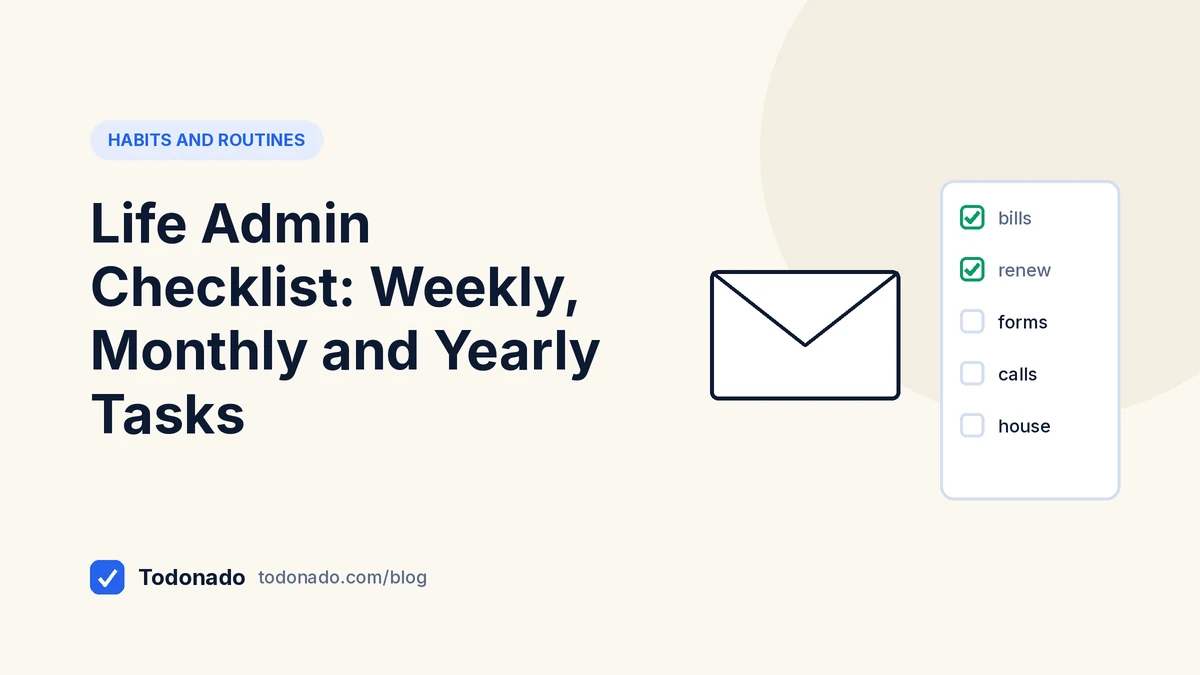
To keep life admin under control, sort it by how often it comes up: a few minutes of weekly tasks, a one-hour admin session each month, and a short list of quarterly and yearly checks. Put the monthly session on your calendar like an appointment, and keep one place, a folder or an app list, where every admin task goes the moment it appears. The checklist below lists the common life admin tasks with rough times, so you can see how much there really is.
Life admin is the quiet work of running a life: paying bills, booking appointments, renewing documents, sorting post. None of it is hard. The problem is that it is constant and easy to forget, and missing one item, like a renewal date, can cost money or time later.
What counts as life admin
Life admin tasks fall into a few groups. Money: bills, bank accounts, budgets, taxes. Home: rent or mortgage, repairs, utilities, insurance. Health: appointments, prescriptions, check-ups. Paperwork: passports, licences, forms, letters. Family: school forms, birthdays, care for older relatives. Digital: passwords, backups, subscriptions.
Seeing the groups helps, because most people are good at one or two and forget the rest. Someone who never misses a bill may have no idea when their passport runs out.
Why life admin piles up
Admin tasks share a few traits that make them easy to put off:
- They are small. Each one feels too minor to plan.
- They arrive at random. A letter here, an email there.
- They have hidden deadlines. A renewal may not feel urgent until it is overdue.
- They are boring. There is no reward for doing them, only a cost for not.
The fix is a system that catches them as they arrive and a regular time to deal with them in a batch. That is the same idea as task batching, applied to home.
The life admin checklist
Times are rough estimates for a typical household. Yours will vary.
Weekly
| Task | Time |
|---|---|
| Open and sort the post | 5 min |
| Check the bank account for anything odd | 5 min |
| Look at the next two weeks of the calendar | 5 min |
| Plan meals and the shopping list | 15 min |
| Clear the "to file" pile | 5 min |
Monthly
| Task | Time |
|---|---|
| Check that all bills were paid | 10 min |
| Review subscriptions and cancel unused ones | 10 min |
| Check upcoming renewals for the next 60 days | 5 min |
| Book any appointments needed this month | 15 min |
| Pay off or check credit card balances | 10 min |
| Back up phone photos and important files | 10 min |
Quarterly
| Task | Time |
|---|---|
| Check insurance policies and renewal dates | 20 min |
| Review your budget against real spending | 30 min |
| Check passport, licence and ID expiry dates | 5 min |
| Look at energy, phone and internet deals | 30 min |
| Clear old paperwork you no longer need | 20 min |
Yearly
| Task | Time |
|---|---|
| Taxes, or gather documents for whoever does them | 1 to 3 hours |
| Health checks: dentist, eye test, any regular check-ups | 30 min to book |
| Review your will, pensions and savings | 1 hour |
| Update emergency contacts and important passwords | 30 min |
| Check home and car maintenance | 30 min |
The one-hour monthly admin session
Most people find that a fixed monthly hour handles almost everything. Here is a running order:
| Minutes | Task |
|---|---|
| 0 to 10 | Empty your admin inbox: post, saved emails, notes |
| 10 to 20 | Bills and bank: check, pay, flag anything odd |
| 20 to 30 | Subscriptions and renewals |
| 30 to 45 | Book appointments and send forms |
| 45 to 55 | Any quarterly or yearly items due this month |
| 55 to 60 | Write anything left over as tasks with dates |
Pick a day that works for you, such as the first Sunday of the month. Put it in the calendar as a repeating event.
Keep a short note for each session, so next month starts where this one ended:
ADMIN SESSION: __ / __

Paid or checked:     ______________
Cancelled:           ______________
Booked:              ______________
Renewals in 60 days: ______________
Carry to next month: ______________
The note takes two minutes and saves you from wondering, three weeks later, whether you already paid that bill.
How to manage life admin between sessions
If you are wondering how to manage life admin day to day, the answer is mostly to leave it alone until the session. The session only works if admin tasks wait for it in one place. Two habits help:
- Capture straight away. When a letter or email needs action, add it to your admin list right then. A phone note works, or an app.
- Do it now if it takes two minutes. If a task takes less than two minutes, like replying yes to an appointment, do it right away instead of listing it.
Everything else waits for the monthly session, unless it has a deadline before then. Those go on the calendar on the right day.
A worked example
Priya works full time and shares a flat. Before using a checklist, her admin lived in her head and in a pile on the hall table. She missed a phone contract renewal and paid more for three months.
She sets up a personal admin system:
- One list called "Admin" in her task app.
- A monthly session on the first Sunday, 10am to 11am.
- A quarterly reminder to check renewal dates.
| Month | Session time | Items done | Missed deadlines |
|---|---|---|---|
| Month 1 | 1 hour 40 min | 14 | 0 |
| Month 2 | 55 min | 9 | 0 |
| Month 3 | 45 min | 8 | 0 |
The first session was long because it cleared the backlog. After that, an hour was enough. This is one person's log, not a study.
Using Todonado for household admin
Todonado works well as the admin list. Make a project called "Admin", and use the Inbox to capture tasks as they arrive. Add the monthly session as a repeating task with a 60-minute estimate, so it counts toward that day's capacity. Repeating tasks also work for the weekly checks.
The template catalog includes checklists such as Bill Payments, which you can use as a starting point and change to fit your home. If a busy week is already full, the capacity meter shows it, so you can move the admin hour before it gets squeezed out.
An adulting checklist for your first home
If you have just moved out, the adulting checklist is a bit different. In the first month, set up:
- Utility accounts in your name: energy, water, internet
- Registration with a local doctor and dentist
- Change of address with your bank, employer and any official bodies
- Contents insurance
- A simple budget with rent and bills first
After that, the monthly session covers the rest.
When this is too much
A checklist cannot make admin pleasant, and the downside of a long list is that it can feel like a second job. If you are already overwhelmed, do not start with the full checklist. Start with the monthly hour and only the bills. Add more once that feels normal. Our guide on how to get things done when overwhelmed has more on starting small, and a Sunday reset checklist can hold the weekly items.
FAQ
How long should life admin take? For many households, about an hour a month plus a few minutes a week, once the backlog is cleared.
Should couples share admin? Yes. Split the checklist by area and do the monthly session together, or alternate months.
Where should I keep important documents? One physical folder and one digital folder, with a backup. Keep it simple enough that you will use it.
What if I miss a monthly session? Do a short one the next weekend, bills and renewals only. Then go back to the normal date. Missing one month is rarely a problem if you have the list, because nothing is lost. It is just waiting.