The Getting Things Done Method: A Plain Summary
David Allen's Getting Things Done in plain words. The five steps, the lists you need, a real inbox processed start to finish, and what to adapt if the full system feels heavy.

Getting Things Done, or GTD, is a method by David Allen for getting every commitment out of your head into a trusted system. The core is five steps: capture everything, clarify what each item is, organise it into the right list, reflect on your lists weekly, and engage by doing the next action. If you remember one idea, make it this: for every item, ask "what is the very next physical action?"
Why GTD exists
Allen's book was first published in 2001 and revised in 2015. Its main claim is that your mind is good at having ideas and bad at holding them. When commitments live only in your head, they nag you at the wrong times and hide at the right ones. The official GTD overview puts the five steps front and centre.
The five steps
1. Capture
Collect everything that has your attention into a few inboxes: a notebook, an email inbox, a notes app. Ideas, tasks, worries, things to buy. Do not judge yet.
2. Clarify
Take each item and ask: is it actionable?
- No: bin it, file it as reference, or put it on a "someday/maybe" list.
- Yes: what is the next action? If it takes less than two minutes, do it now. If not, delegate it or defer it.
3. Organise
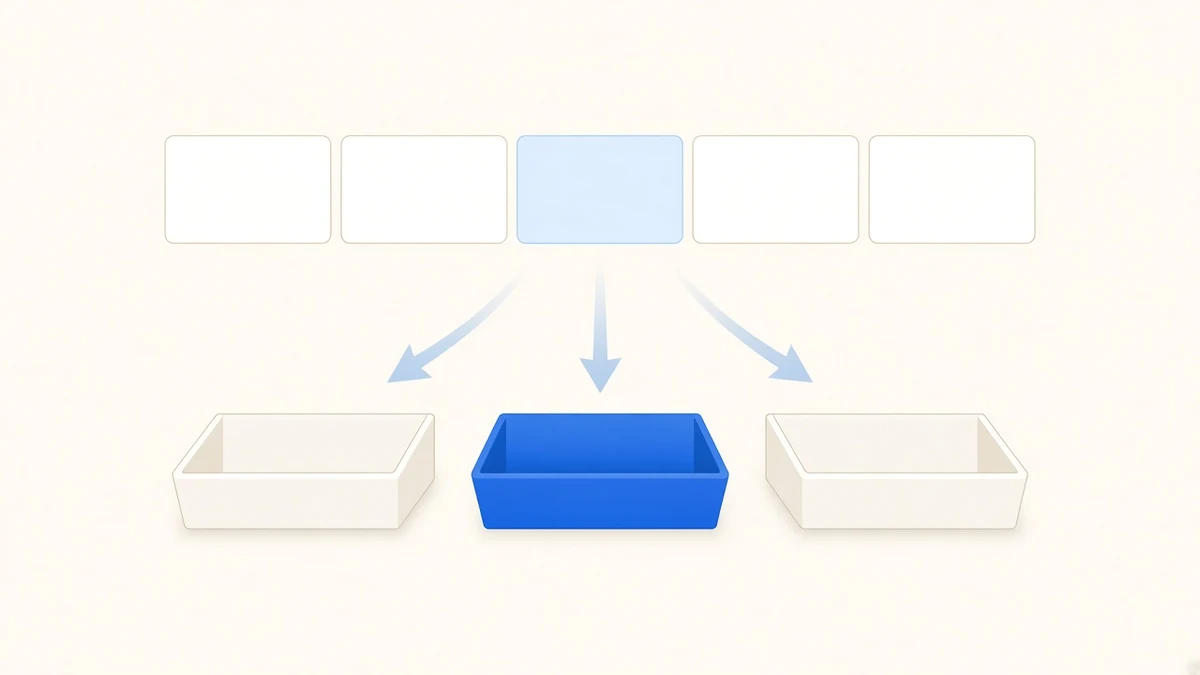
Put each clarified item where it belongs: the calendar for things at a set time, a next actions list for things to do as soon as you can, a waiting-for list for things others owe you, and a projects list for any outcome that needs more than one step.
4. Reflect
Look over everything regularly, especially in a weekly review. Our list of weekly review questions is a good starting point.
5. Engage
Choose what to do based on where you are, how much time and energy you have, and what matters most.
The lists at a glance
| List | Holds | Example |
|---|---|---|
| Inbox | Unprocessed stuff | "Something about the car" |
| Next actions | Single visible steps | "Call garage to book service" |
| Projects | Outcomes with several steps | "Car serviced before trip" |
| Waiting for | Things others owe you | "Quote from garage, asked Mon" |
| Calendar | Time-specific items only | "Dentist, Thu 14:00" |
| Someday/maybe | Ideas not committed to | "Learn to sail" |
| Reference | Information, not tasks | Insurance policy number |
Worked example: ten inbox items
Here is a real-shaped inbox, processed.
- "Car" → project: car serviced before trip. Next action: call garage.
- "Mum's birthday" → calendar reminder on the 2nd; next action: order gift.
- Email: newsletter → delete.
- "Ask Tom about the budget numbers" → under two minutes, message sent now.
- "Learn Spanish" → someday/maybe.
- Wi-fi password from the landlord → reference.
- "Report due Friday" → project; next action: outline the three sections.
- "Waiting for invoice from designer" → waiting for.
- "Look into a new phone plan" → next action: compare two plans online.
- "Worried about money" → not a task; next action: block 30 minutes Sunday to review the budget.
Ten items, about 15 minutes, and the inbox is empty. Notice item 10: a worry becomes a scheduled action. That idea also appears in our guide on turning a brain dump into an action plan.
Where GTD is hard
GTD is thorough, and that is its downside. The full system has a lot of lists, and many people drop it after a few weeks because the upkeep feels like a second job. The weekly review is where it most often breaks.
Next action lists can also grow very long. Allen originally sorted them by "context", like @phone or @computer, which made more sense before phones did everything.
A lighter GTD
If the full method feels heavy, keep three pieces:
- One inbox. Everything goes in one place.
- One next actions list, with each item written as a physical step.
- A short weekly review, 20 to 30 minutes.
That captures most of the benefit. Add projects and waiting-for lists later if you find you need them.
GTD for ADHD
Many people with ADHD like GTD's core idea, getting things out of their head, but struggle with the upkeep. A few changes help: keep the system very small, do the weekly review with a friend as a body doubling session, and lean on the two-minute rule, which gives quick wins.
Common GTD questions
What is the two-minute rule?
If clarifying an item shows that its next action takes less than two minutes, do it right away. Tracking it would take longer than doing it. This rule alone clears a surprising amount of clutter.
Do I need special software?
No. Allen designed the method to work on paper. Any list app can hold the lists. What matters is that you trust the system enough to stop holding things in your head, and that only happens if you review it.
What is the difference between a project and a next action?
A project is any outcome that needs more than one step: "plan the team offsite". A next action is the single visible step that moves it forward: "email three venues for prices". Projects sit on one list; their next actions sit on another. Allen's point is that you cannot do a project, only an action.
A daily GTD routine in practice
Here is what a normal day can look like once the system is set up:
- Morning, 10 minutes: look at the calendar first, then pick from next actions based on time and energy.
- During the day: anything new goes into the inbox. Don't organise it yet.
- Late afternoon, 15 minutes: process the inbox to zero. Two-minute items get done; the rest go to their lists.
- Friday: weekly review.
The daily inbox processing is what keeps GTD light. If you skip it for a week, the inbox becomes a project of its own, and that is usually where people give up.
GTD and daily planning
GTD is strong on capture and organising, and lighter on how much to do today. Pair it with a daily plan. Each morning, pick from next actions what fits the time you actually have. If you use Todonado, the backlog can act as your next actions list and the day view as your plan for today. On paper, a separate "today" card does the same.
Start with capture this week. Get everything out of your head and into one inbox, and process it once. That alone is the step most people feel first.