Digital vs Paper Planner: Which One Will You Actually Use?
Paper planners and digital apps each win at different things. A side-by-side comparison, how to choose based on your habits, and the hybrid setup many people end up with.
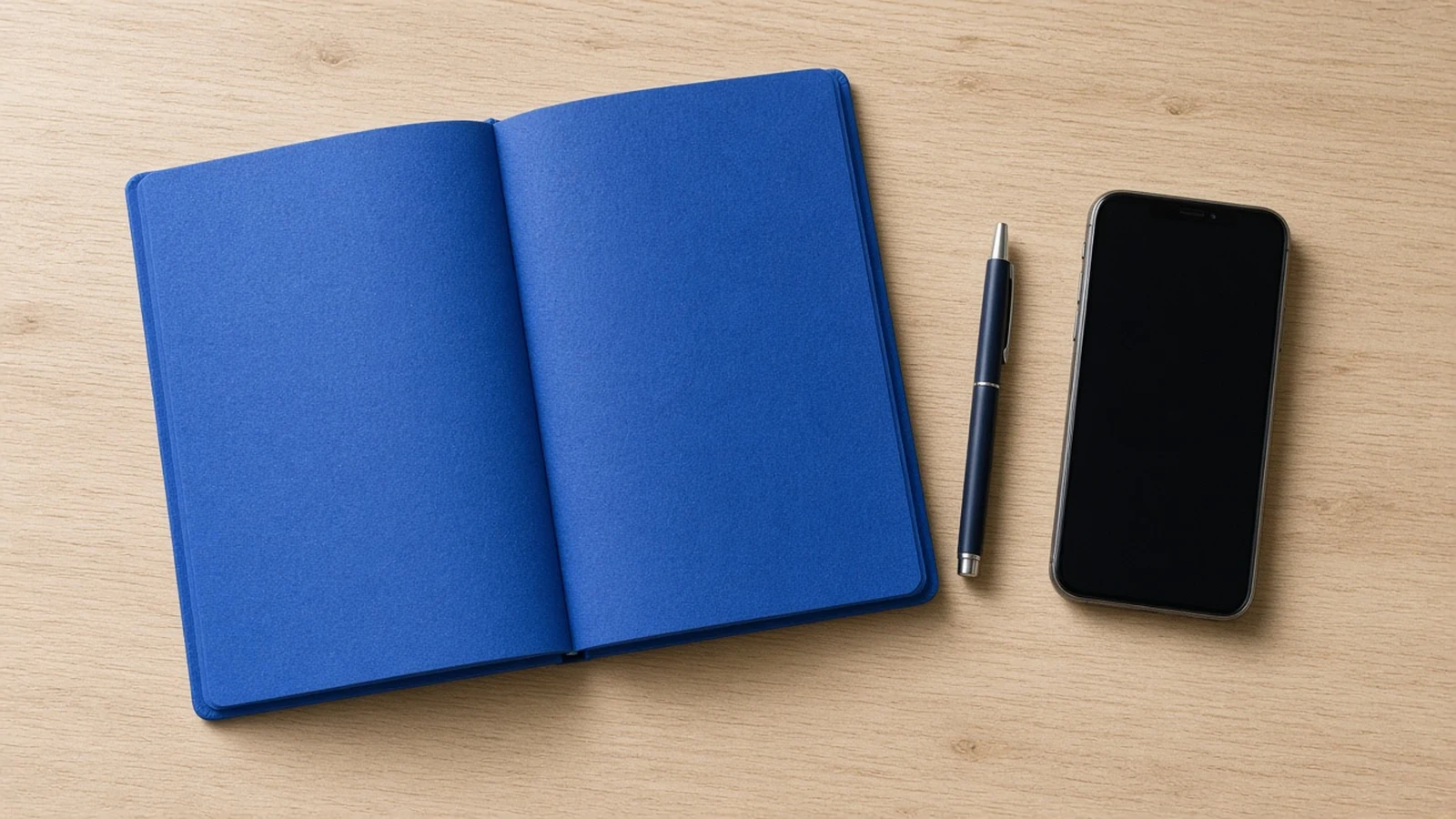
Choose paper if you plan best by writing and your days stay mostly in one place. Choose digital if tasks reach you on the move, you share plans with others, or you need reminders. Many people end up with a hybrid: a digital calendar and capture app, plus a paper card for today. The best planner is the one you look at every day, so pick by your habits, not by what looks nicest.
The comparison
| Factor | Paper | Digital |
|---|---|---|
| Capturing on the go | Only if you carry it | Strong, phone is always there |
| Planning a day | Strong, writing helps you think | Good, drag and drop is quick |
| Reminders | None | Strong |
| Recurring tasks | Rewrite every time | Automatic |
| Distraction | Very low | Higher, the phone is right there |
| Sharing with others | Weak | Strong |
| Searching old notes | Weak | Strong |
Neither wins outright. Each one is strong where the other is weak.
Where paper wins
It slows you down
Writing by hand takes longer, and that is sometimes the point. Planning on paper makes you choose. It is harder to write 30 tasks for one day than to type them.
It has no notifications
A notebook never shows you a message from your group chat while you are trying to plan.
It is visible
An open planner on the desk is always in sight. An app is only visible when you open it.
Where digital wins
Capture anywhere
A task that arrives while you are on the bus needs to go somewhere. A phone is the one thing most people always carry.
Reminders and repeats
Bin day, rent, the weekly report. Digital handles anything that recurs or needs an alert.
Sharing
Family calendars, team projects and shared shopping lists are far easier online.
Search
Finding a note from four months ago takes seconds.
Five questions to choose
- Where are you when tasks show up? Mostly at a desk: paper works. Out and about: you need digital capture.
- Do you share plans with anyone? Yes: you need a digital calendar at least.
- Do you forget to look? Yes: digital reminders, or a paper planner left open on the desk.
- Does your phone pull you into scrolling? Yes: lean paper for daily planning.
- Do you enjoy writing by hand? Yes: that pleasure is a good reason to use it.
If your answers split, that points to a hybrid.
The hybrid many people settle on
- Digital calendar for appointments and anything time-specific
- Digital capture in a list app for tasks that pop up during the day
- Paper card or page each morning with today's three to five tasks
Each morning, take five minutes to copy today's tasks from the app onto the card. The copying is a feature: it makes you choose. A morning routine like the one in how to plan a realistic day fits well here.
Digital vs paper for ADHD
People with ADHD often say paper is out of sight and out of mind, and digital is full of distractions. Both are true. A common answer is a paper list for today, kept physically in view, plus phone reminders for time-specific things. Our guide to an ADHD to-do list uses a three-zone layout that works either way.
A worked example
Here is a composite example. Marco is a teacher. He tried a beautiful paper planner and stopped after three weeks, because tasks arrived while he was walking between classes. He tried an app and stopped after two weeks, because he never opened it at his desk.
His hybrid: a list app for capture between classes, a calendar for meetings, and an index card on his desk each morning with today's four tasks. He has kept it for a term. The reason it lasts is that each tool does only the job it is best at.
What about digital planners on tablets?
Tablets with a stylus try to combine both. You get handwriting with search and backup. They suit people who love writing but need to carry everything. The tradeoff is cost and the same notification risk as a phone, unless you set the tablet up only for planning.
Common questions
Is a digital planner better for productivity?
Not by itself. Digital tools win at capture, reminders and sharing. Paper wins at focus and deliberate choosing. Productivity comes from looking at the plan and following it, which depends on habit far more than format.
Which is better for students?
Students often do well with a digital calendar for classes and deadlines, plus a paper list for each study session. The calendar makes sure nothing is missed, and the paper list keeps the phone out of study time.
Should I switch if my current planner is not working?
Ask first why it is not working. If you forget to look at it, a different format might help. If you look but ignore it, the problem is the plan, usually too many tasks, not the planner. Switching tools rarely fixes a planning problem.
Before and after: one week of each
To make the choice less abstract, here is roughly how one week tends to look in each format for a typical office worker.
Paper only. Monday plan is clear and calm. By Wednesday, three tasks that arrived by chat were scribbled on a sticky note that went missing. A recurring report was forgotten because nothing reminded anyone. Friday feels unfinished.
Digital only. Everything is captured, and reminders fire on time. But the task list has grown to 60 items, and each morning starts with scrolling through it. Twice the planning app led to a quick look at messages, which became 20 minutes.
Hybrid. Capture goes into the app, reminders handle the repeats, and the morning card holds four tasks. The app list still grows, but you only look at it once a day when filling the card.
The hybrid does not remove all the problems. It gives each one to the tool that handles it best. That is why so many people on Reddit threads about digital vs paper planners end up describing almost the same setup.
Making your choice stick
Whatever you choose, give it four weeks before deciding it doesn't work. Most planners fail in week two, when the novelty wears off. Use a weekly review to check the system still fits. And if you want one digital place for both the backlog and today's plan, Todonado was built for that split, but the hybrid above works with almost any app.